I sent a template, why is it not published?
Usually we receive a big number of templates, we try to publish as soon as possible and ensure a minimum quality in the published templates in BTemplates, some of the criteria that we use to approve a templates are:
•An acceptable graphic and technical quality.
•Compatible with most browsers.
•No installation errors or easy to correct.
•A license that allows distribution.
How do I translate my template to another language?
Directly in the template code. (Dashboard → Layout → Edit HTML), with a really simple process:
1.Using the browser search, find the text you want translate.
2.Replaces that text with your translation.
The text within an image need to be changed in an image editor, like Photoshop or Inkscape, and then replacing that image with the image translated.
Why some images in my template disappeared?
Although we host the largest number of images in Blogger, images may suddenly disappear because:
•The images were removed from the original hosting.
•Use own domain (eg btemplates.com).
Solution: Download the template from BTemplates again, or from the page’s original author and re hosts the images on an external service such as Photobucket, or ImageShack Tinypic.
Why the date is listed as “undefined” or this is not shown?
Probably because you do not choose the date format specified. The format should be changed from the panel (Dashboard → Settings → Formatting → Date Header Format) and usually the correct type is: Saturday, 5 May, 2009.
Read the instructions of your template located on the download page.
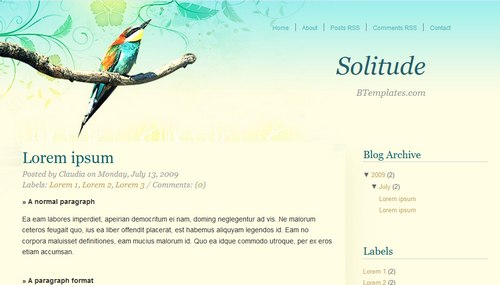
How do I customize my template?
For color and the font size, some Blogger templates offer an option to change it from the Dashboard (Dashboard → Layout → Fonts and Colors). Here you can see the result directly in the template.
Major changes in the templates needed to know at least a little CSS and HTML. A quick way to modify a template is change the images in the CSS code, for others with the same dimensions. That is the process to change the header of a design, for example.
Additionally, some templates have their own settings instructions and customization, refer to the same download page of your template.
How do I log in to my blog without the navbar?
The navigation bar of Blogger is just a plug and provides a shortcut to enter your blog, but you can always log in from Blogger.com.